




{{ section.heading }}
{{ para }}
{{ para }}
The Problem
Information is scattered, inconsistent, and difficult to act on.
The Solution
Consistent data reveals patterns, trends, and opportunities.
How Fractal Vision creates impact
- Instructional Practices
- Student Engagement
- Classroom Environment
- Differentiation
- Assessment & Feedback
Capture
Observations
Learning walks capture what's happening in real time.
Organize
Data
Observations are tagged, categorized, and stored.
Identify
Trends
Patterns emerge across classrooms, teachers, and schools.
Drive
Improvement
Insights inform coaching, professional learning, and instruction.
{{ section.quote }}
{{ it.title }}
{{ it.description }}
{{ section.tagsLabel }}
{{ section.capsLabel }}
- {{ item }}
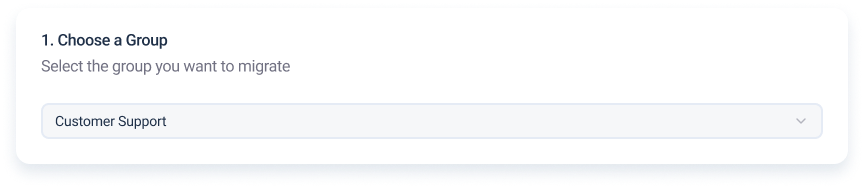
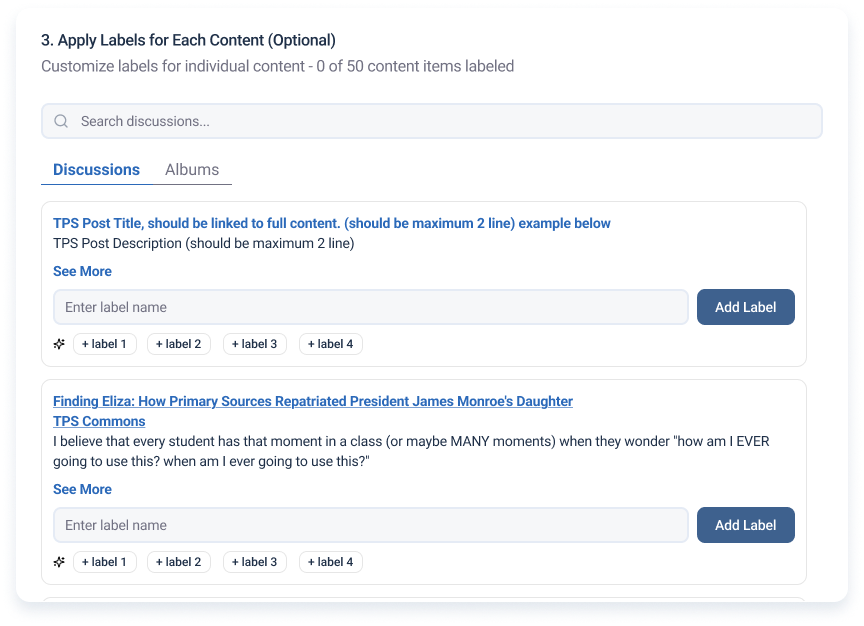
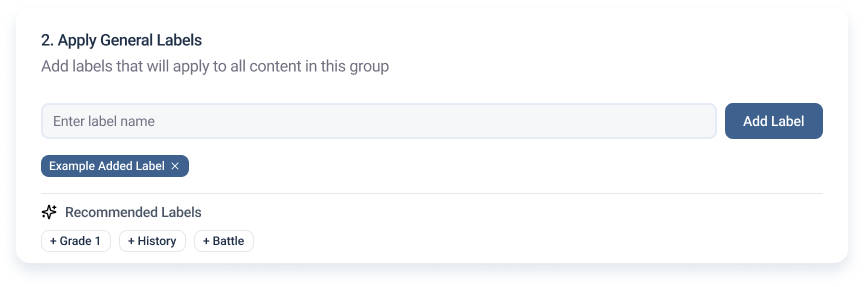
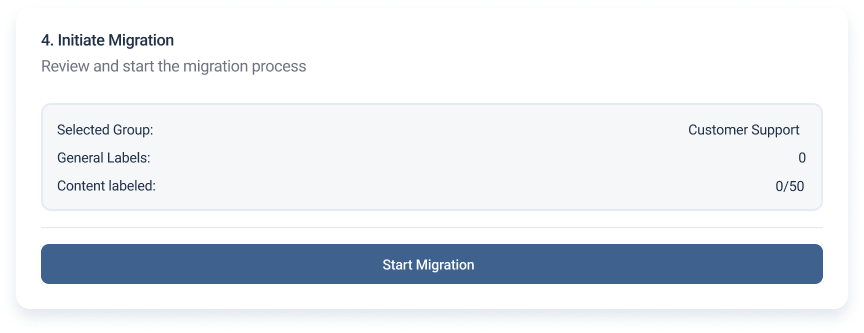
Group Migration tool
Admin experience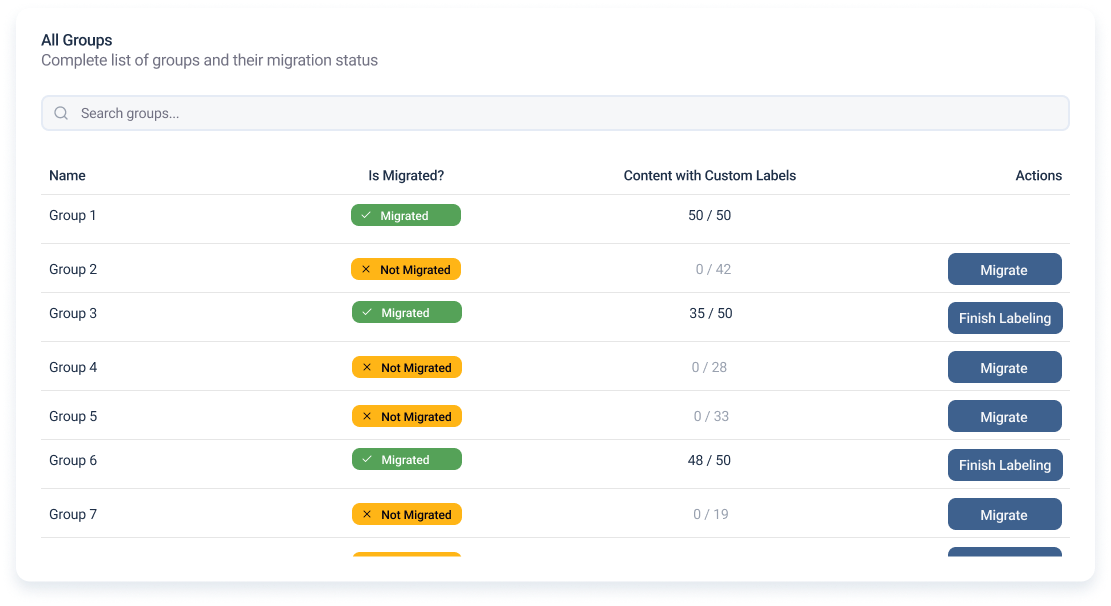
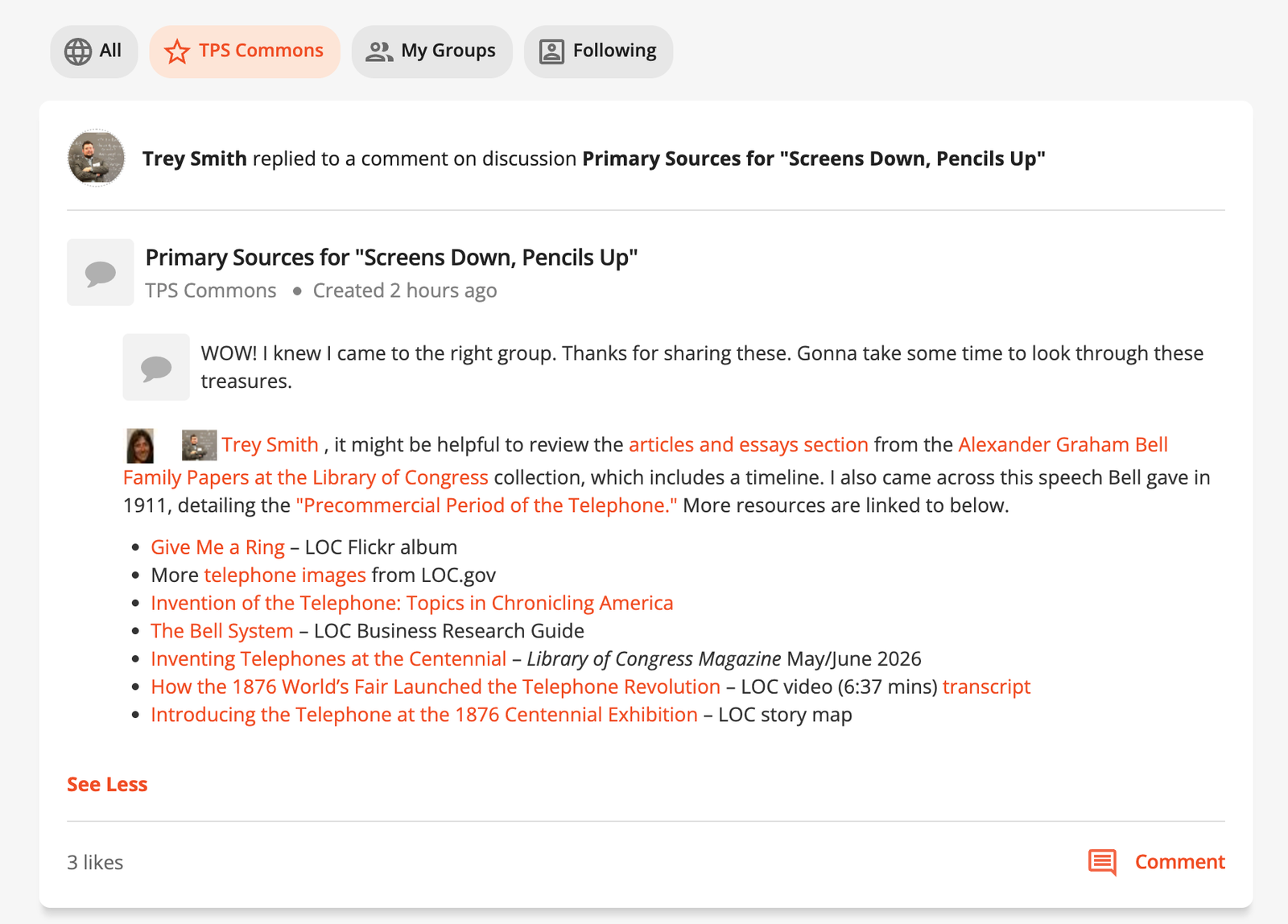
01 · A Following feed

02 · Follow people & discussions

03 · Follow topics & tags

Teachers can follow people, discussions, subjects and tags, so new content reaches their feed and it's easier to keep up with what they care about.
Drag the handle to compare the original platform with the redesign.
Live Track
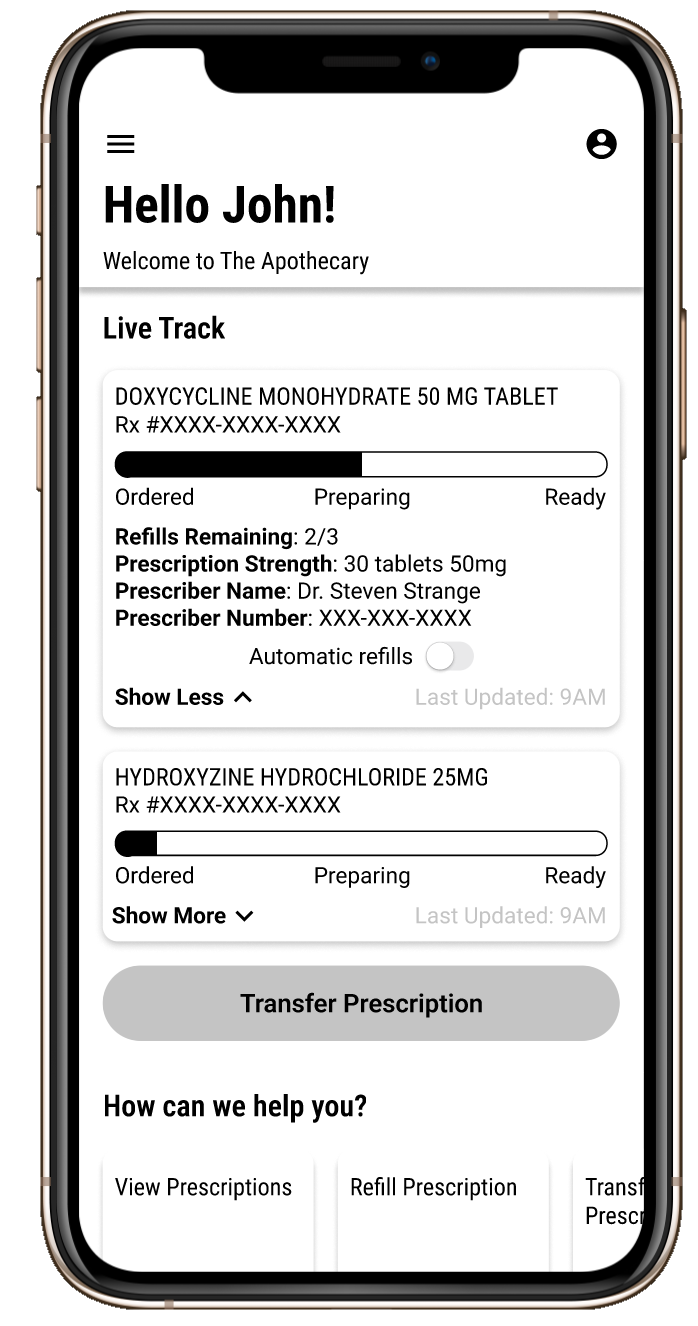 Mid-fidelity
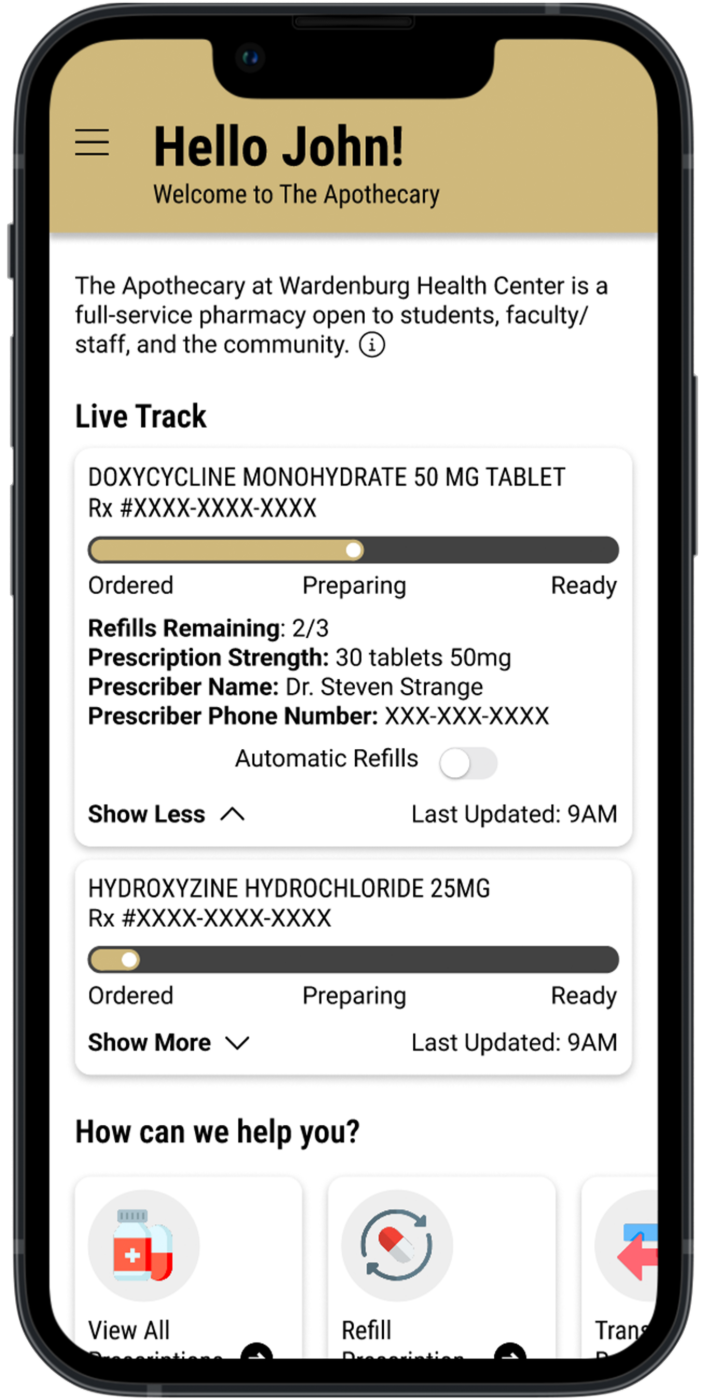 Final
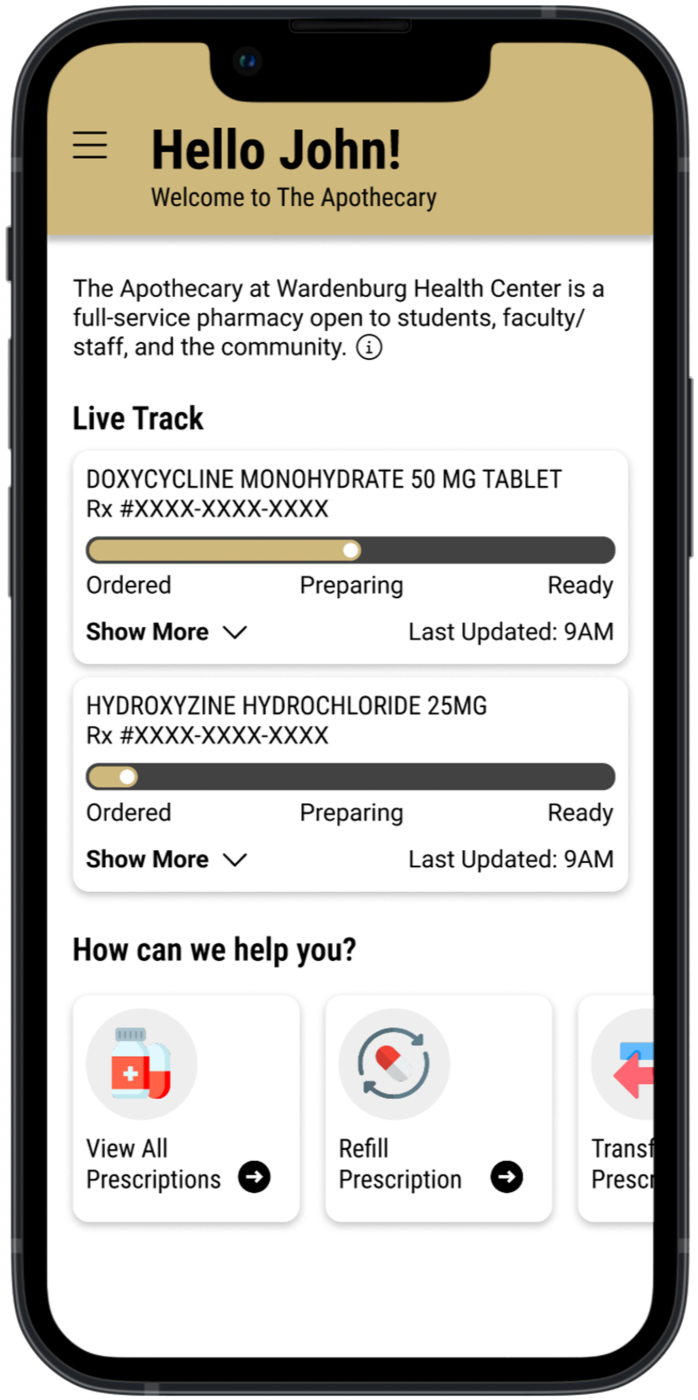
FinalUsability testing pushed status to the top, so students see where each prescription is at a glance.
Filling a prescription
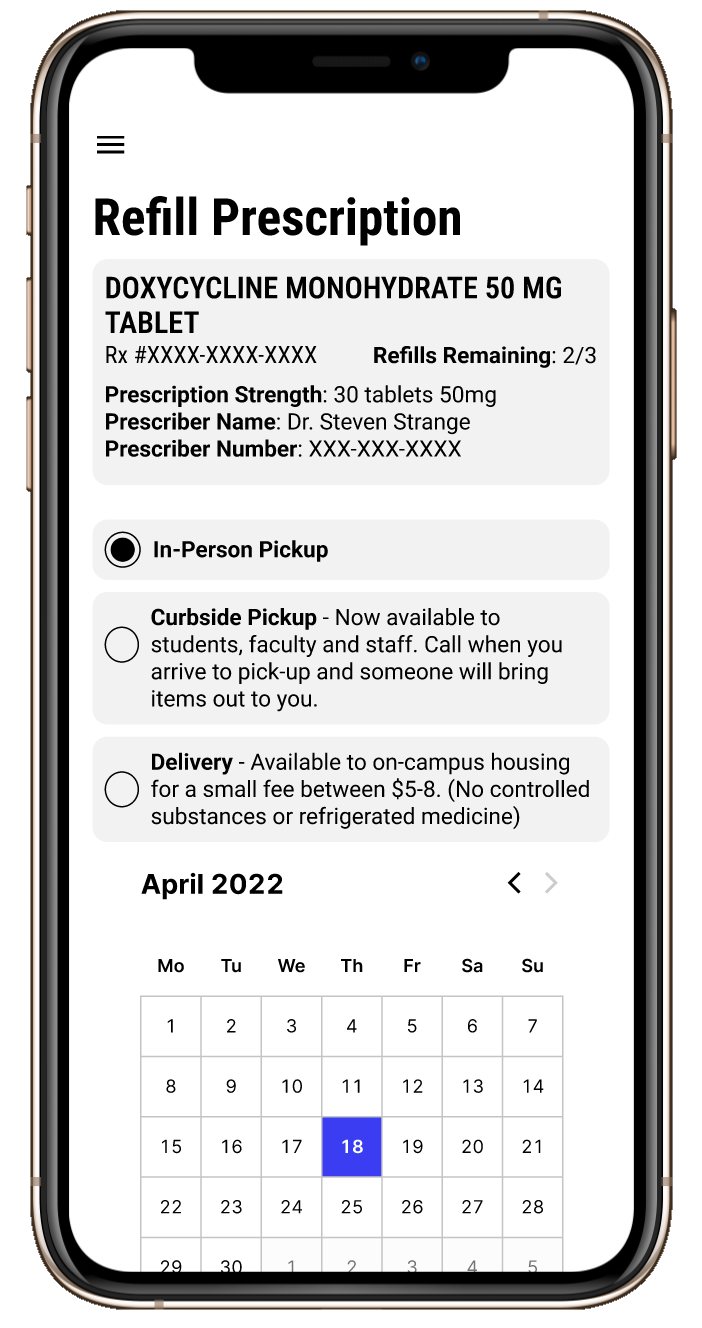 Mid-fidelity
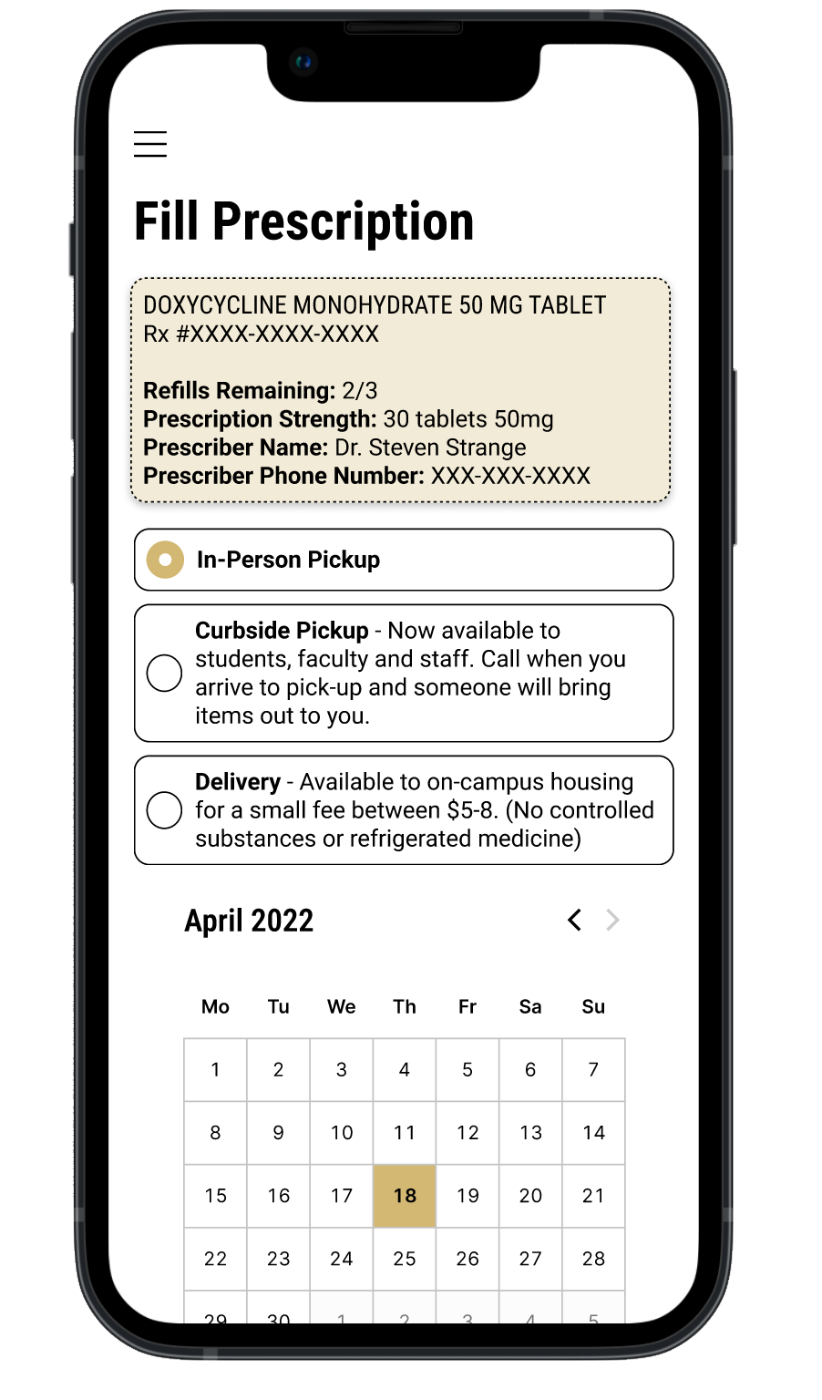 Final
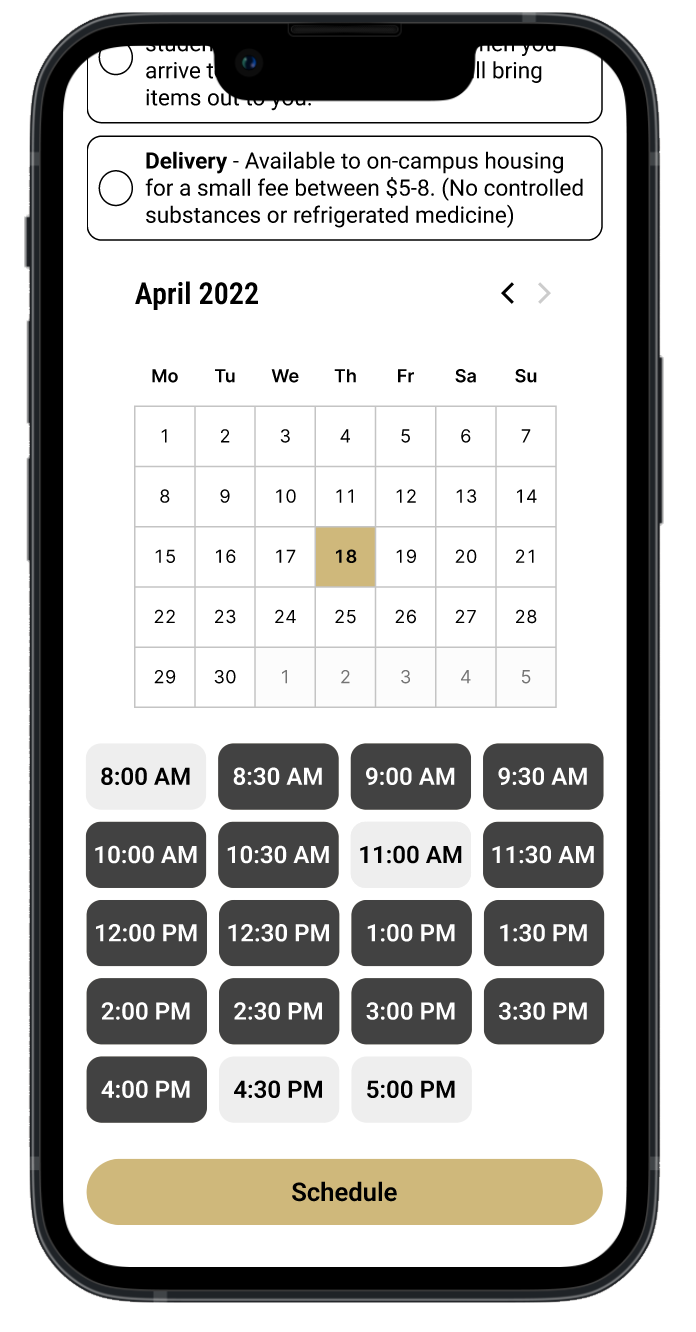
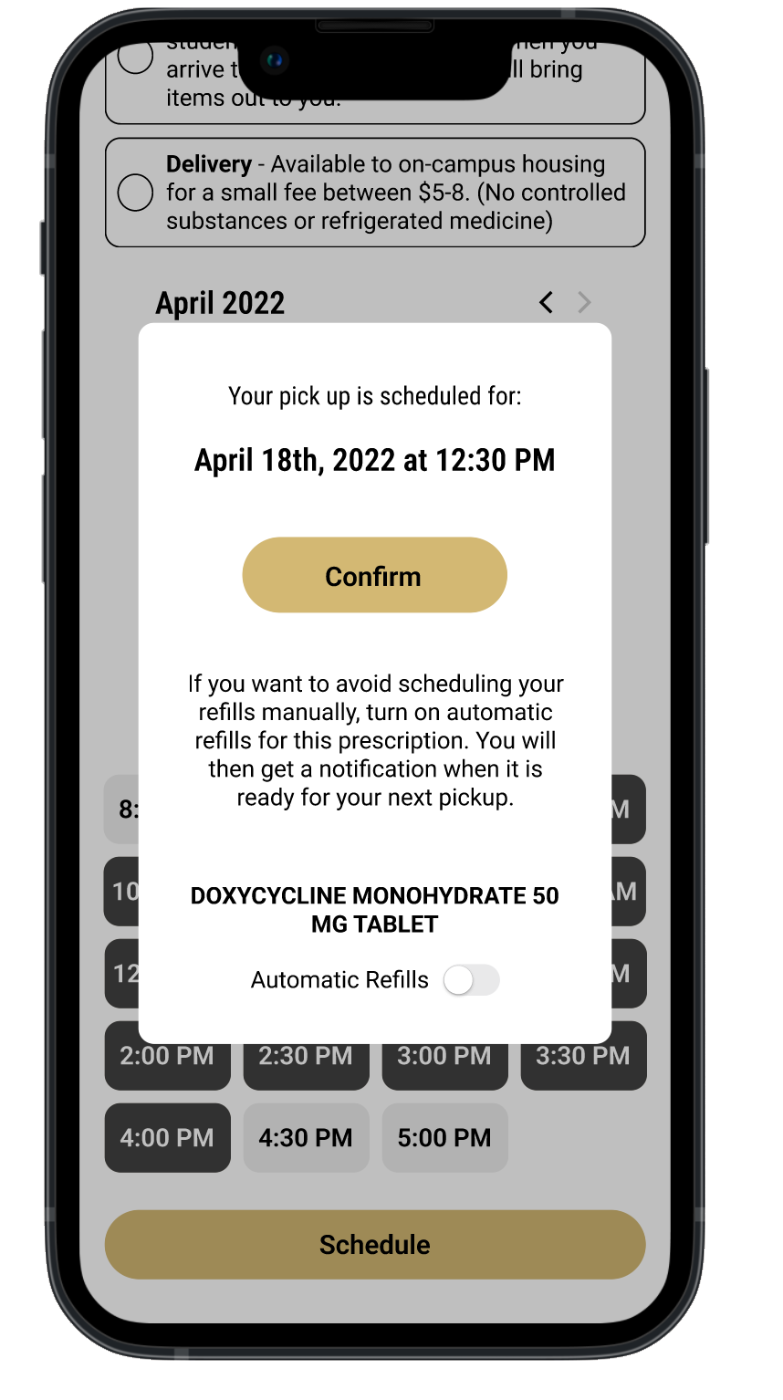
FinalPickup and delivery options became clear, selectable cards next to the prescription summary.
from classroom to insight
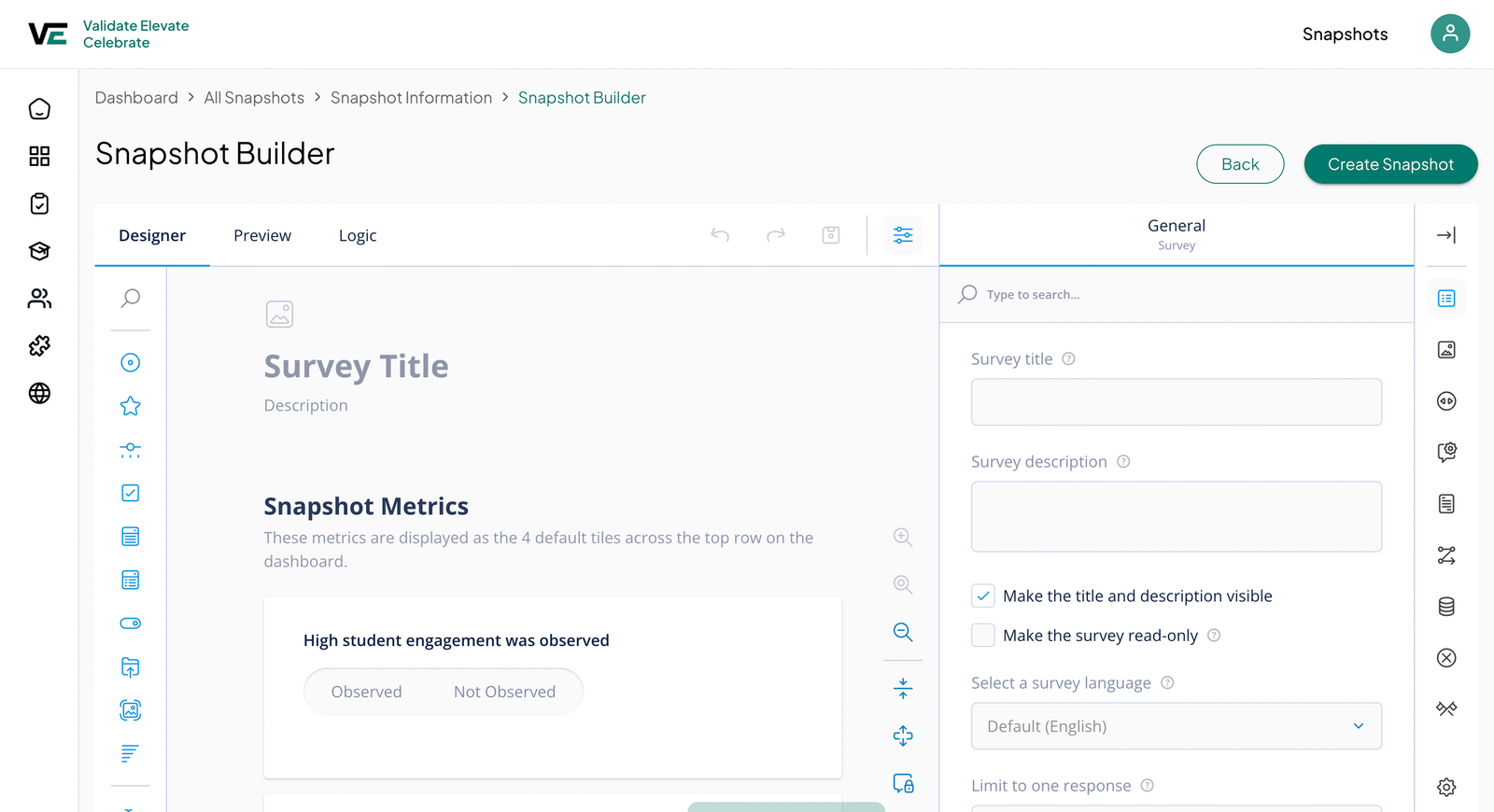
Districts design learning walks and surveys in the snapshot builder.
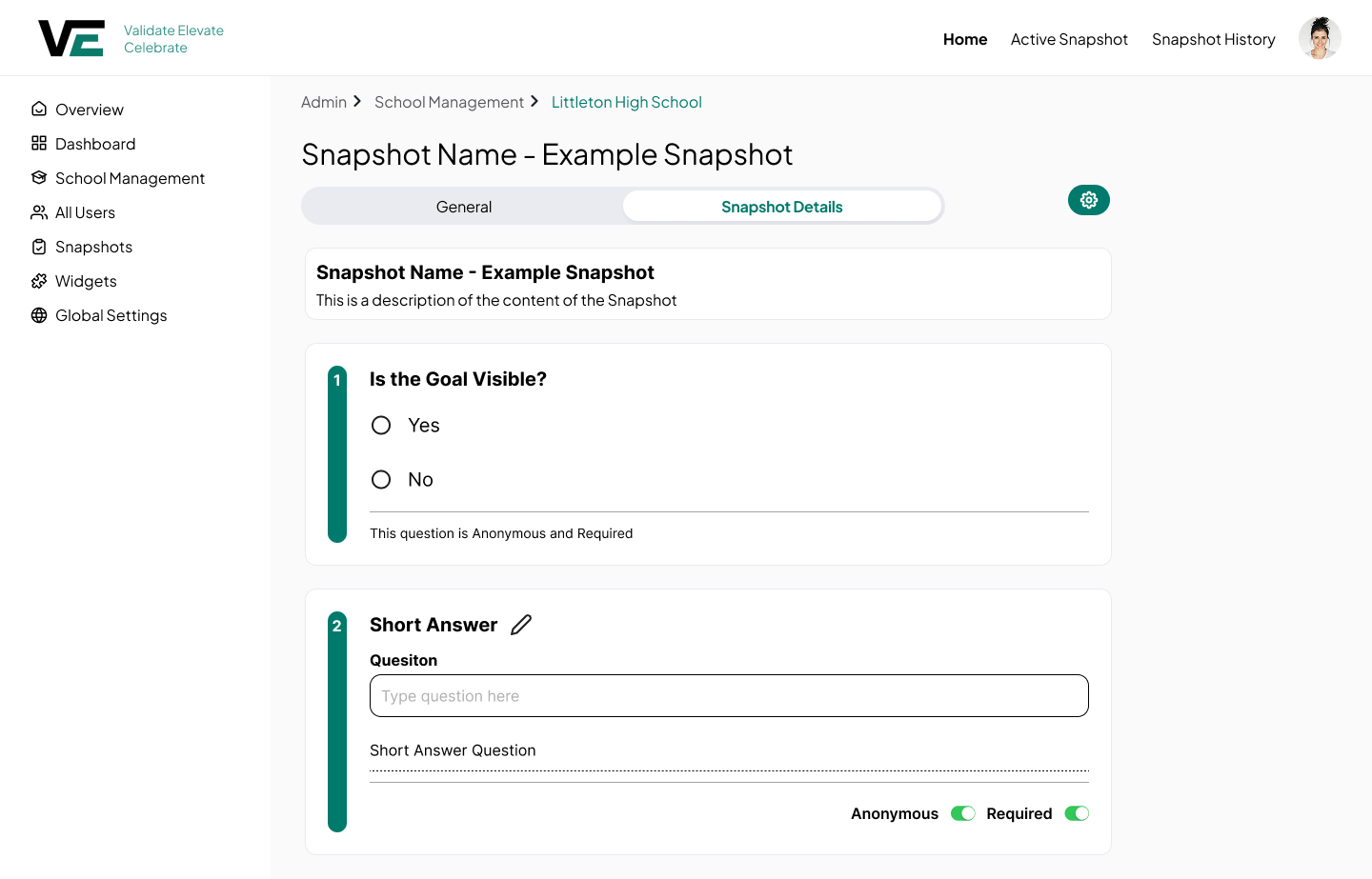
Leaders answer focused questions during short classroom visits.
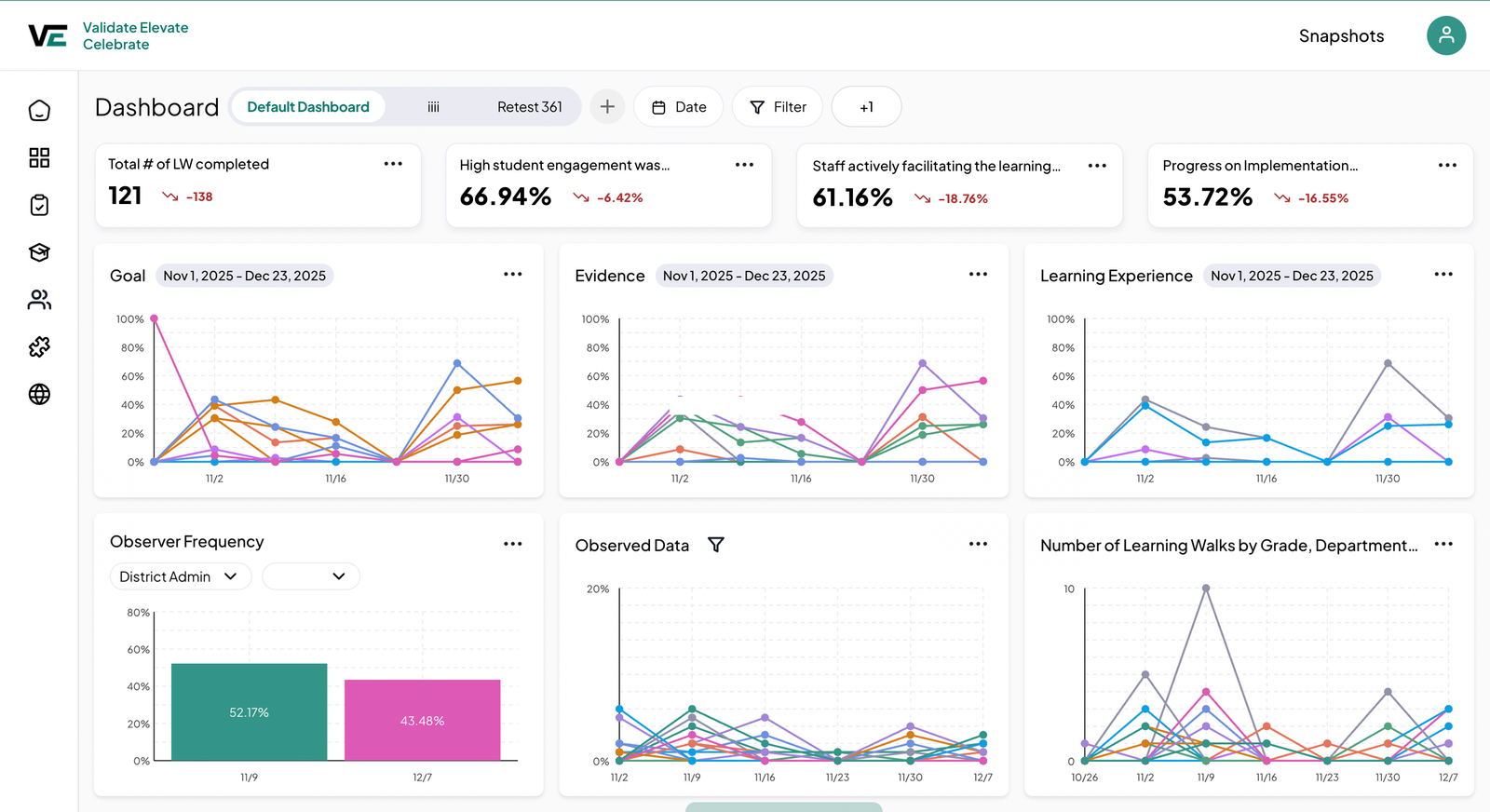
Responses roll up into dashboards that show patterns over time.
Are students engaged? ☐ Yes ☐ No
Rate engagement from 1 to 5
% of students on task
High student engagement was observed
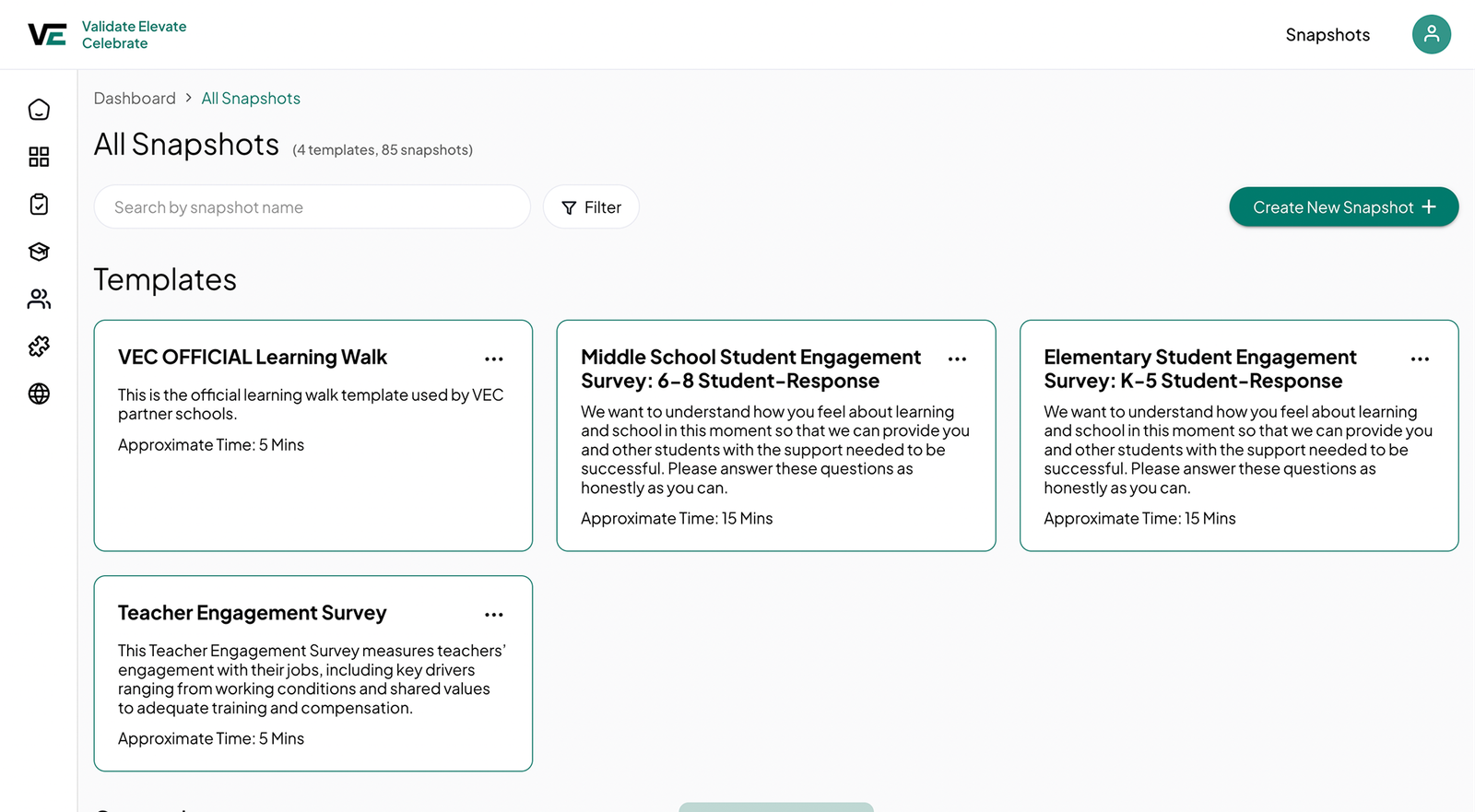
Reusable snapshot templates
Districts needed consistent observations across every school without rebuilding forms each time.
Templates are built once at the district level and shared to every school, so data stays comparable.
Role-based permissions
District admins, school leaders, coaches, and teachers each needed very different tools.
Permissions shape navigation and actions, so each role only sees what it needs.
Configurable dashboards
Every district tracks different instructional look-fors, so one fixed view would never fit.
Admins assemble dashboards from reusable widgets, creating a foundation for deeper analytics later.
Build a dashboard in six steps
{{ section.fvs.counter }}{{ section.fvs.title }}
{{ section.fvs.desc }}
15
Districts
33
Schools
265
Users
123
Observations, measured
Key metrics from every learning walk sit across the top.
Trends over time
Charts show how instruction changes across schools and weeks.
Room to grow
Districts add custom dashboards as their needs evolve.
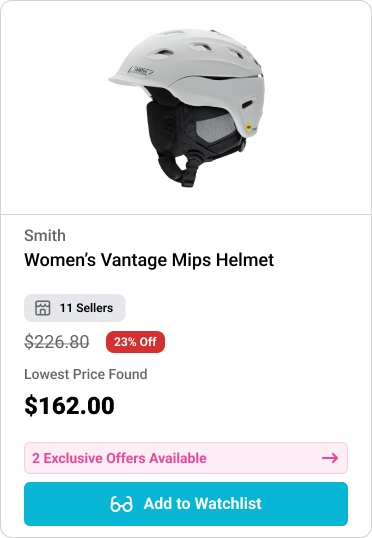
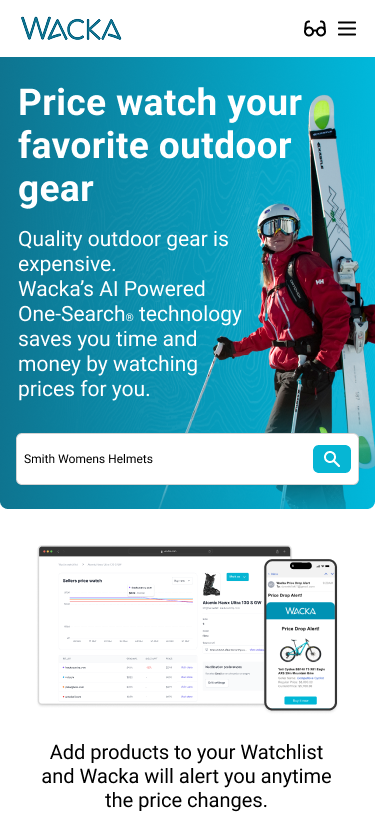
01
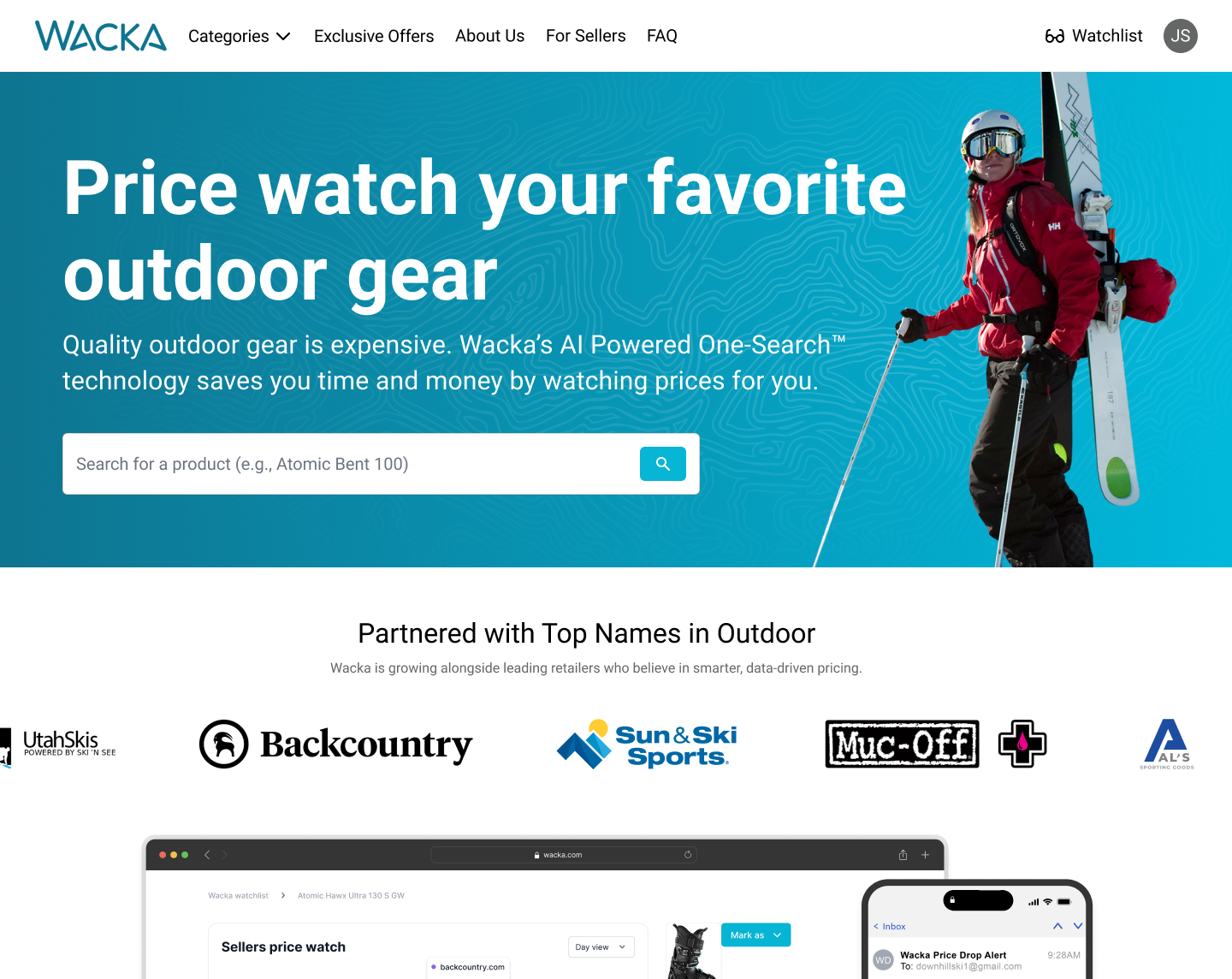
Search for any piece of gear from the homepage with AI-powered One-Search.
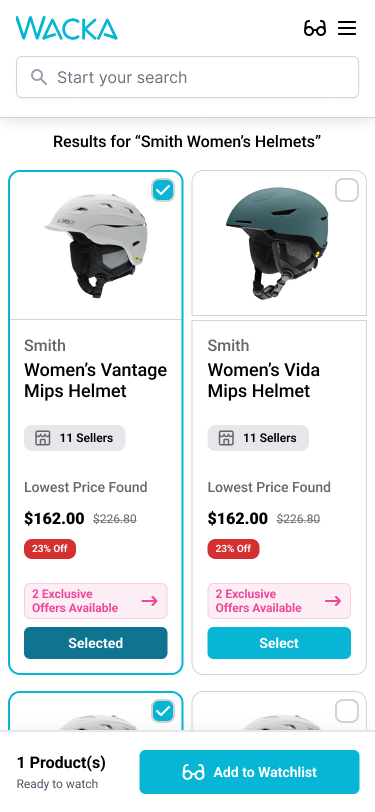
02
Compare results across retailers and select the products you want to watch.
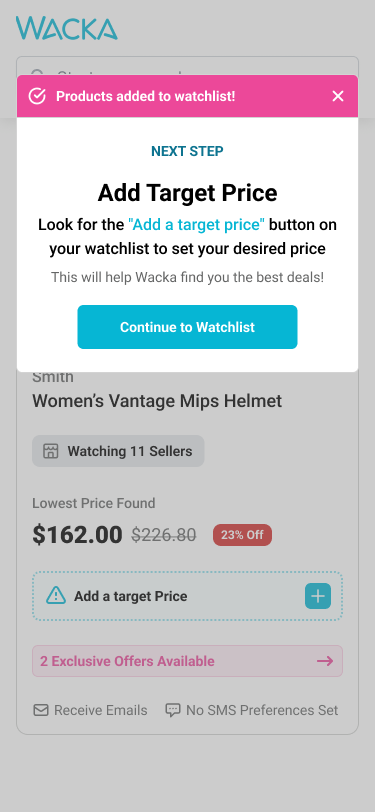
03
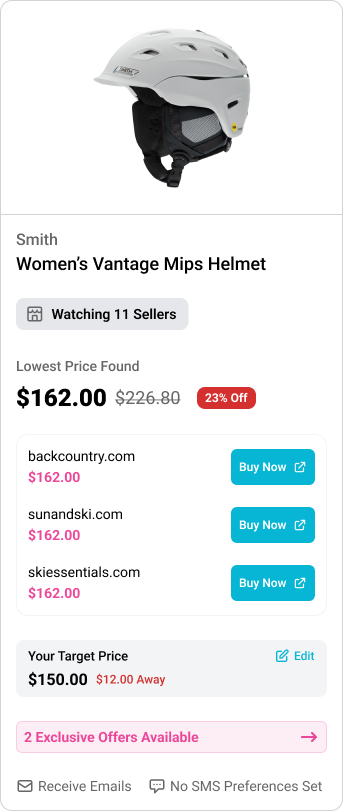
Add a target price so Wacka knows which deal you're waiting for.
04
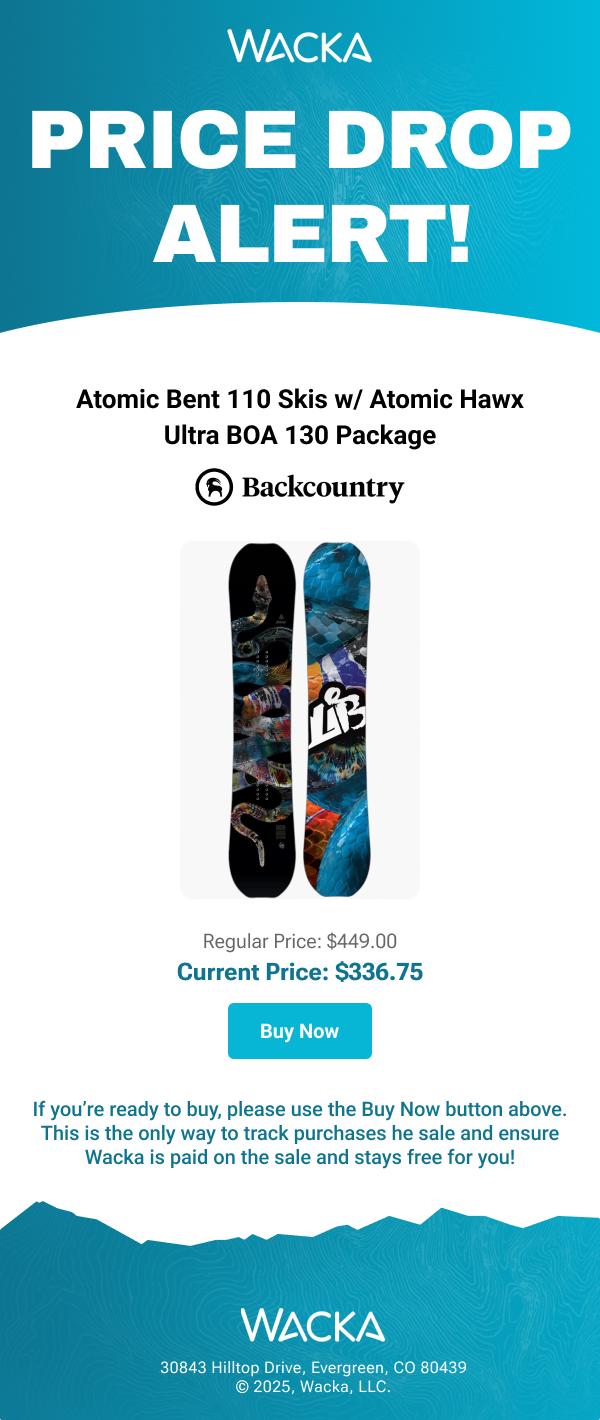
Get an email alert the moment the price drops, then buy in one tap.
01
{{ section.showcase.i0.title }}
{{ section.showcase.i0.description }}
one search,
every retailer
02
{{ section.showcase.i1.title }}
{{ section.showcase.i1.description }}
03
{{ section.showcase.i2.title }}
{{ section.showcase.i2.description }}
04
{{ section.showcase.i3.title }}
{{ section.showcase.i3.description }}
10–15×
more products watched
Average products added to a watchlist per new user